Mindoo Vega Mind map and Kanban in one embedded app
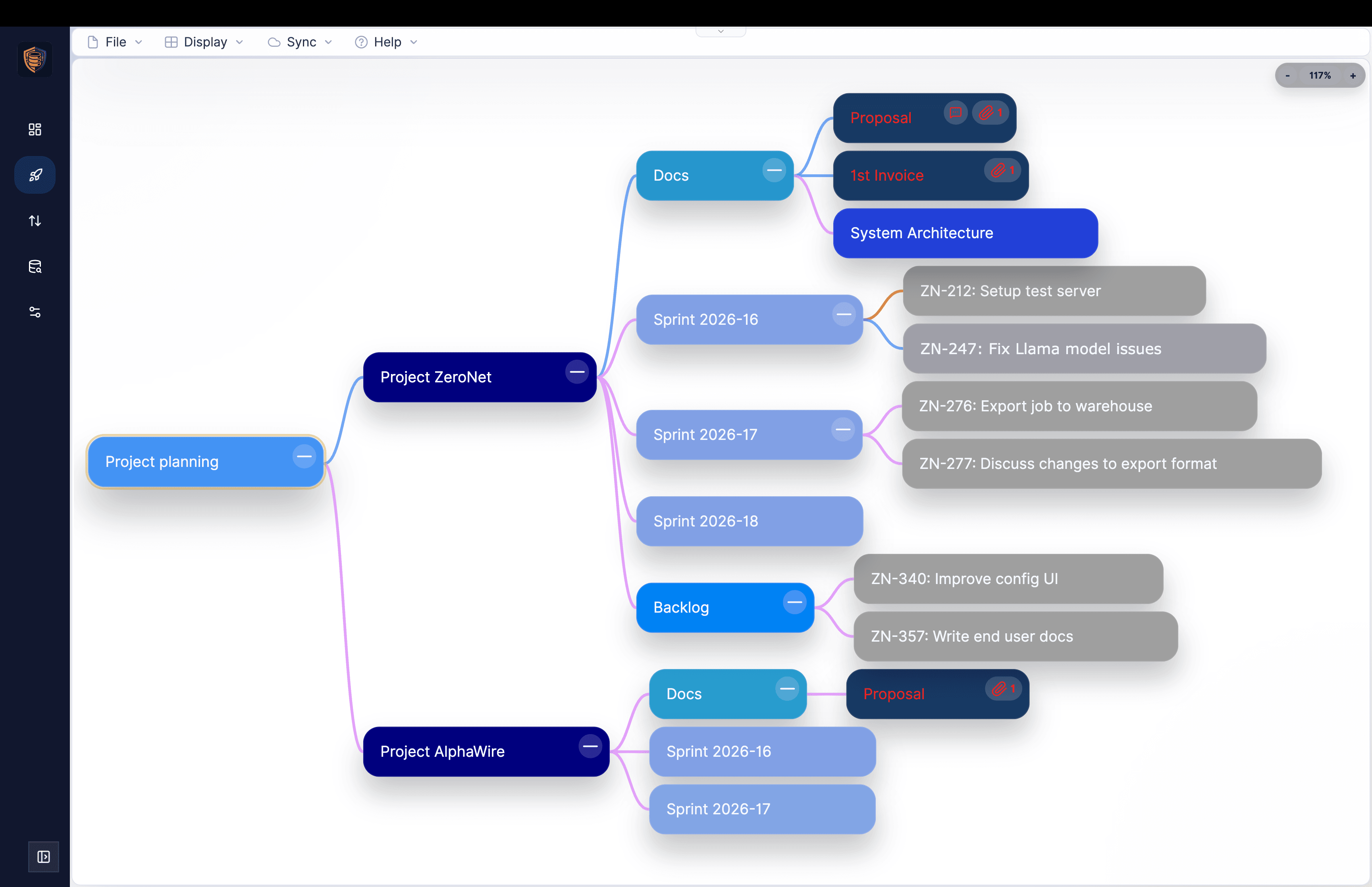
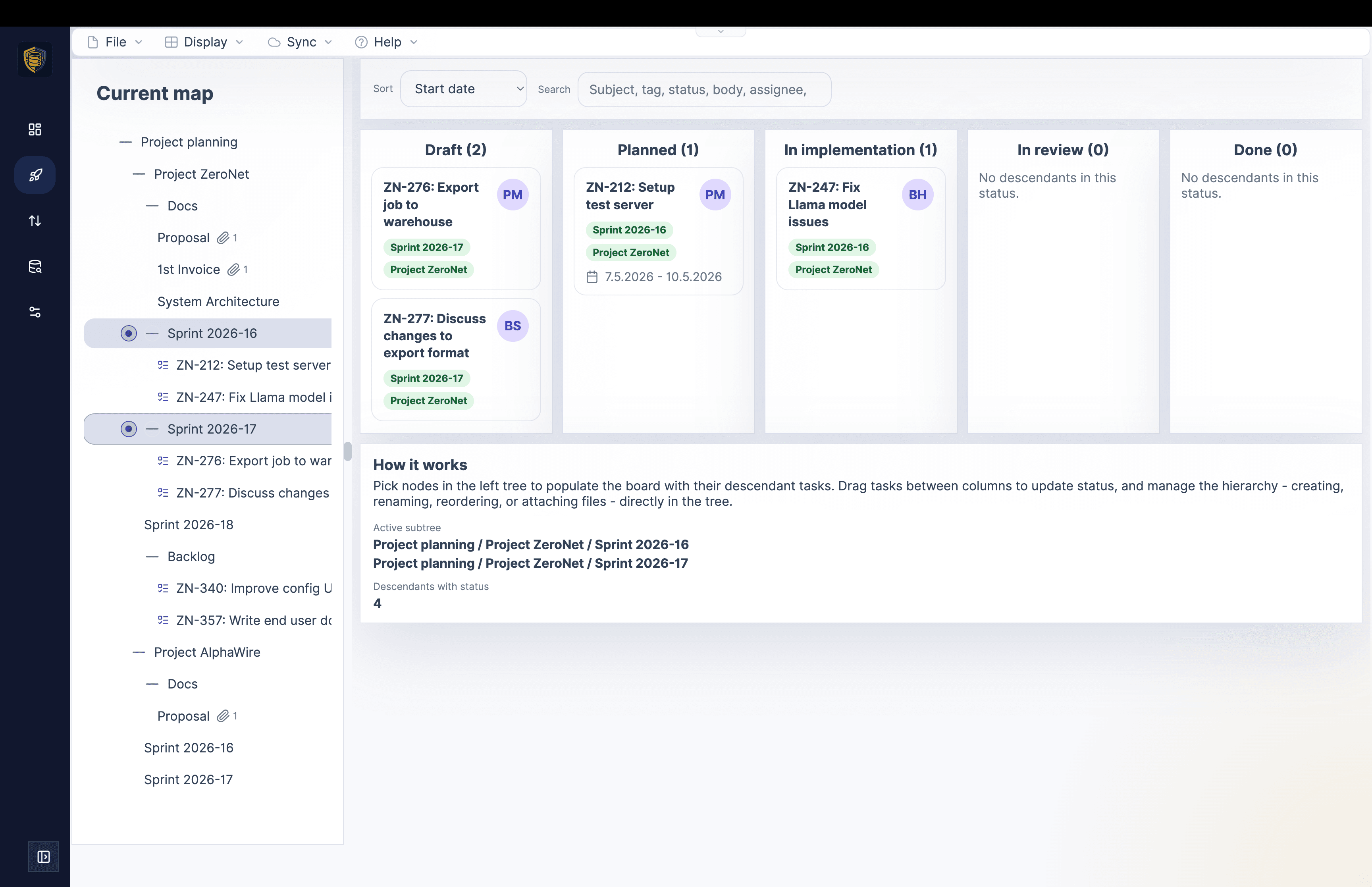
Haven is a calm, collaborative workspace where your team works with notes, files, apps, and data - encrypted by default and installable on any device. It runs on MindooDB, an open-source, local-first sync database you can run on your own servers, in your own jurisdiction; the server only ever sees ciphertext. Real data sovereignty, without giving up real-time collaboration.
Client-side keys, no plaintext on the server. Apps only see what you explicitly share. Fine-grained access control governs who can create, change or delete documents - enforced cryptographically, even offline.
Automerge-based merges, shared tenants, and a guided onboarding flow for bringing teams in.
Runs as a PWA on iOS, Android, and desktop. Add multiple instances for work, personal, and demos.
Full local use with built-in backup and flexible push-only, pull-only, or bidirectional sync.
Build apps with the MindooDB App SDK or have an AI generate them from the published context files.
When buyer, seller, and counsel work on the same confidential deal, each side keeps its own tenant. Haven brings the shared documents, Q&A, and closing tasks into one workspace - while the server only ever sees ciphertext, and every change becomes a signed node in a tamper-evident DAG.

Two AI hosts · ~23 min · generated by NotebookLM
A relaxed deep-dive into how Haven turns MindooDB into a browser-based workspace: end-to-end encrypted data with keys that never leave your device, local replicas for fast offline work, CRDT-based merging with a tamper-evident change history, strictly separated multi-tenant workspaces, custom apps, and virtual views that combine data across contexts. An entertaining and accessible introduction to the platform.
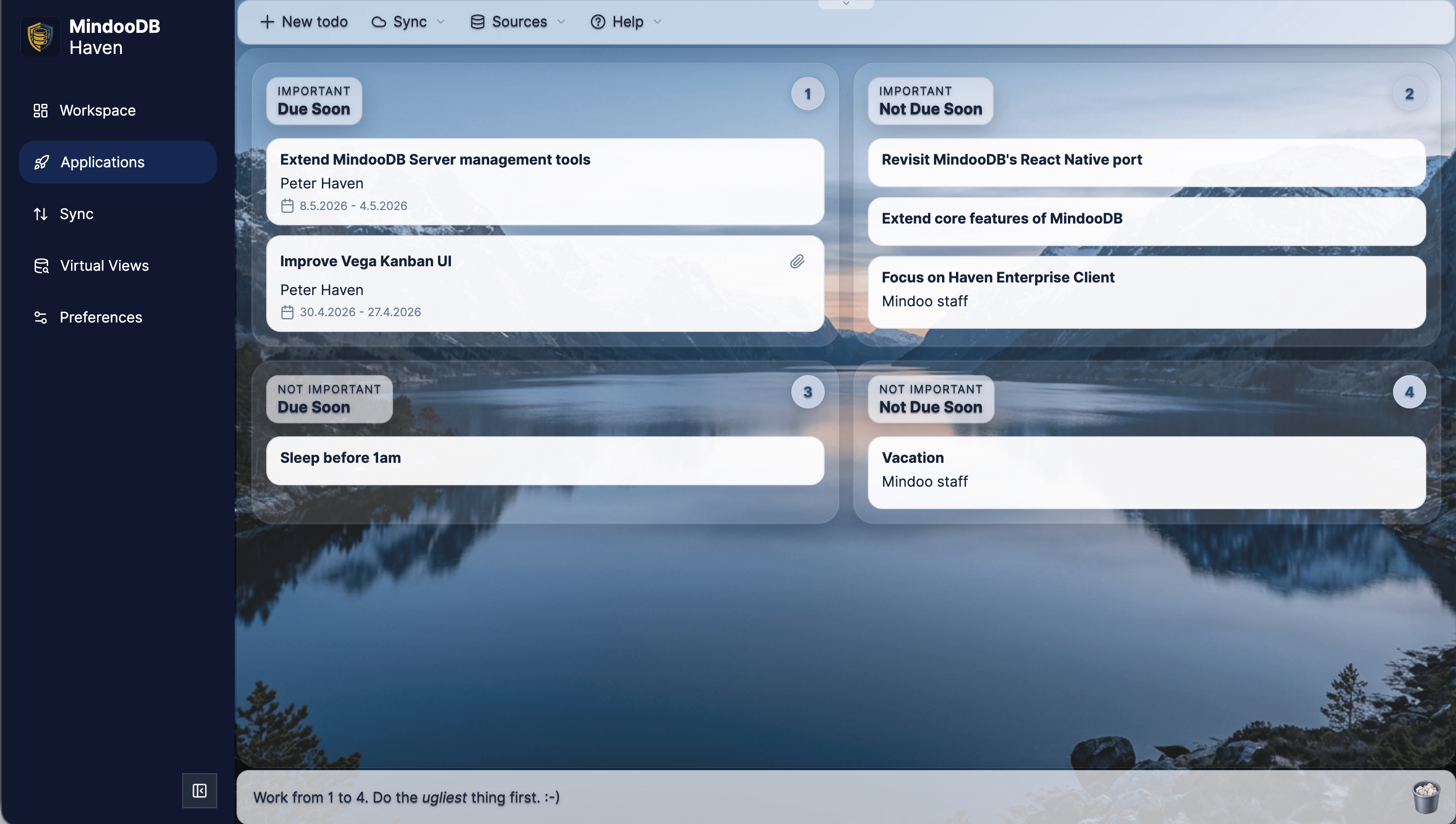
Pages, Chicklets, and groups let you arrange databases, applications, notes, web content, and media exactly the way your team thinks. Haven becomes the calm home screen for your encrypted data.
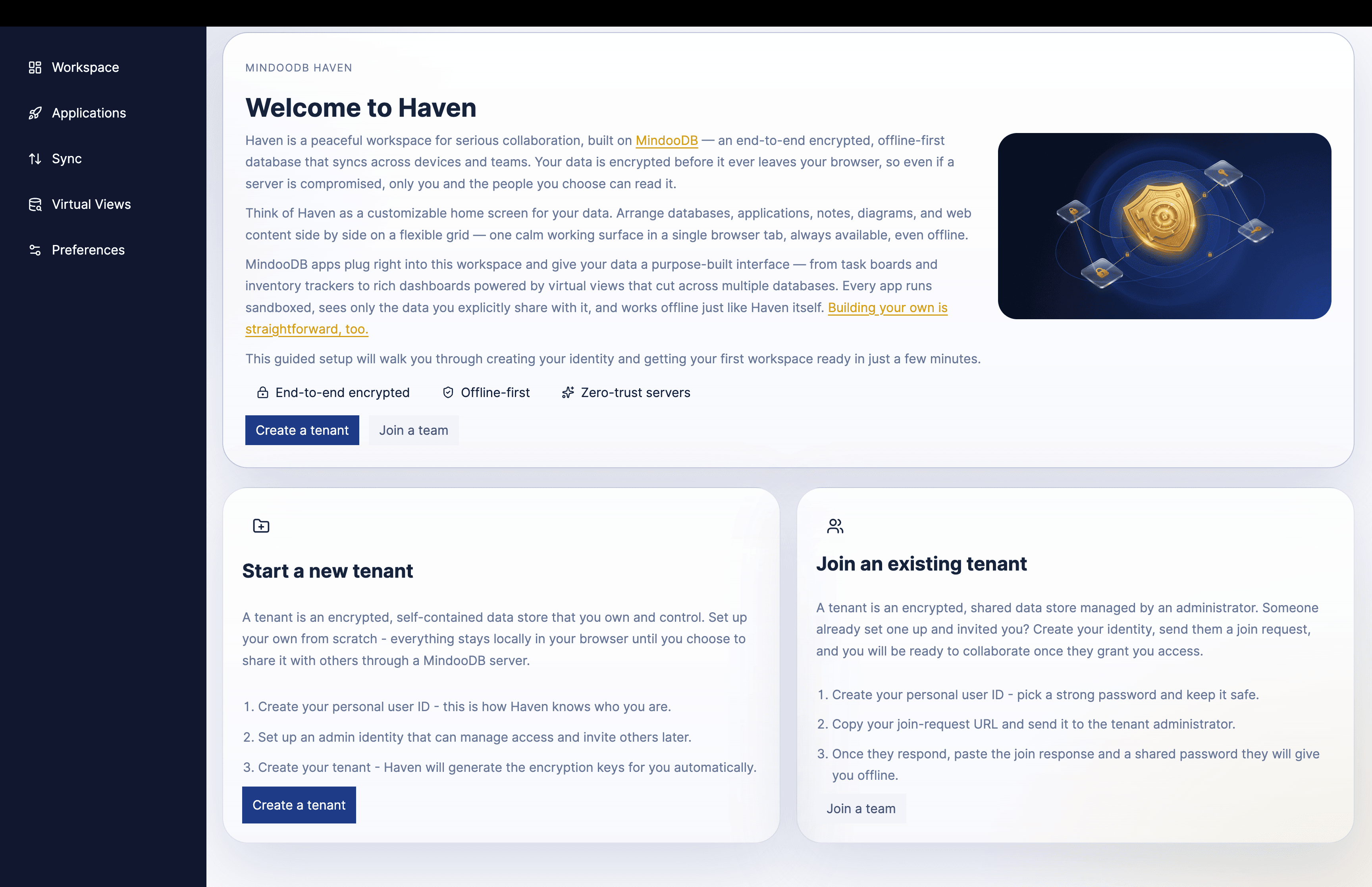
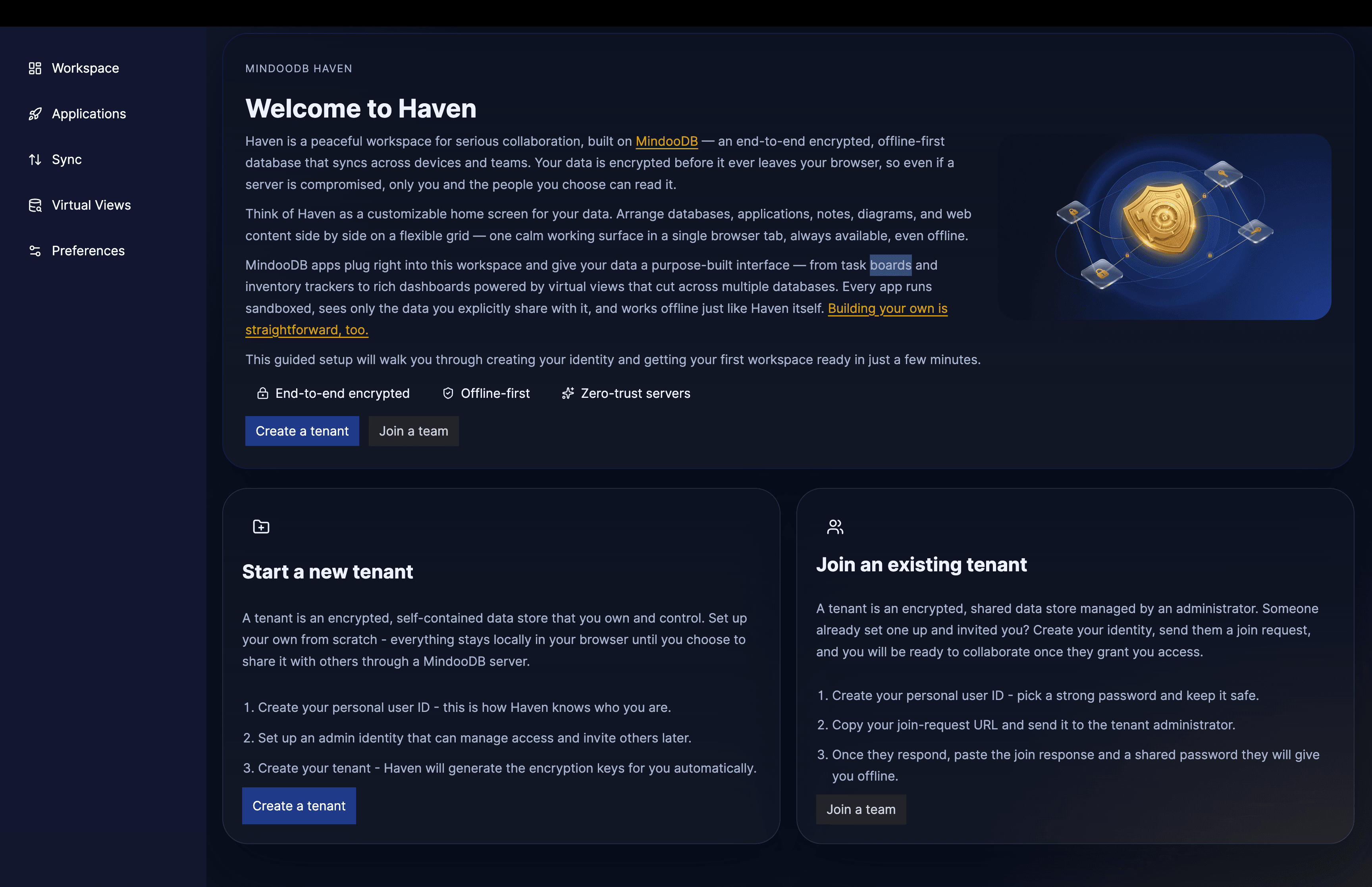
Haven is not a concept mockup. It is a working product that already brings together navigation, workspace organization, search, database access, and local-first workflows in the browser.
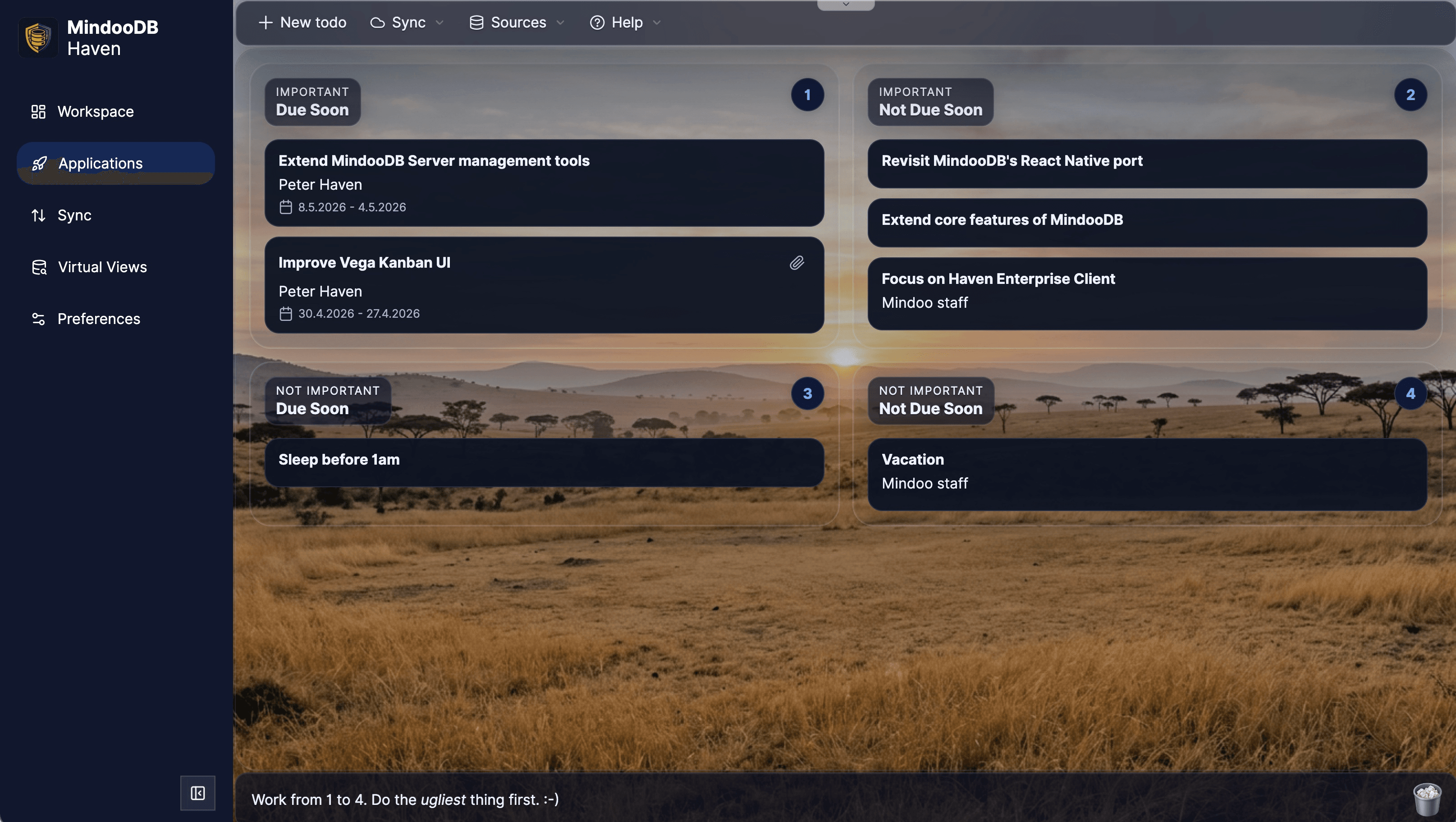
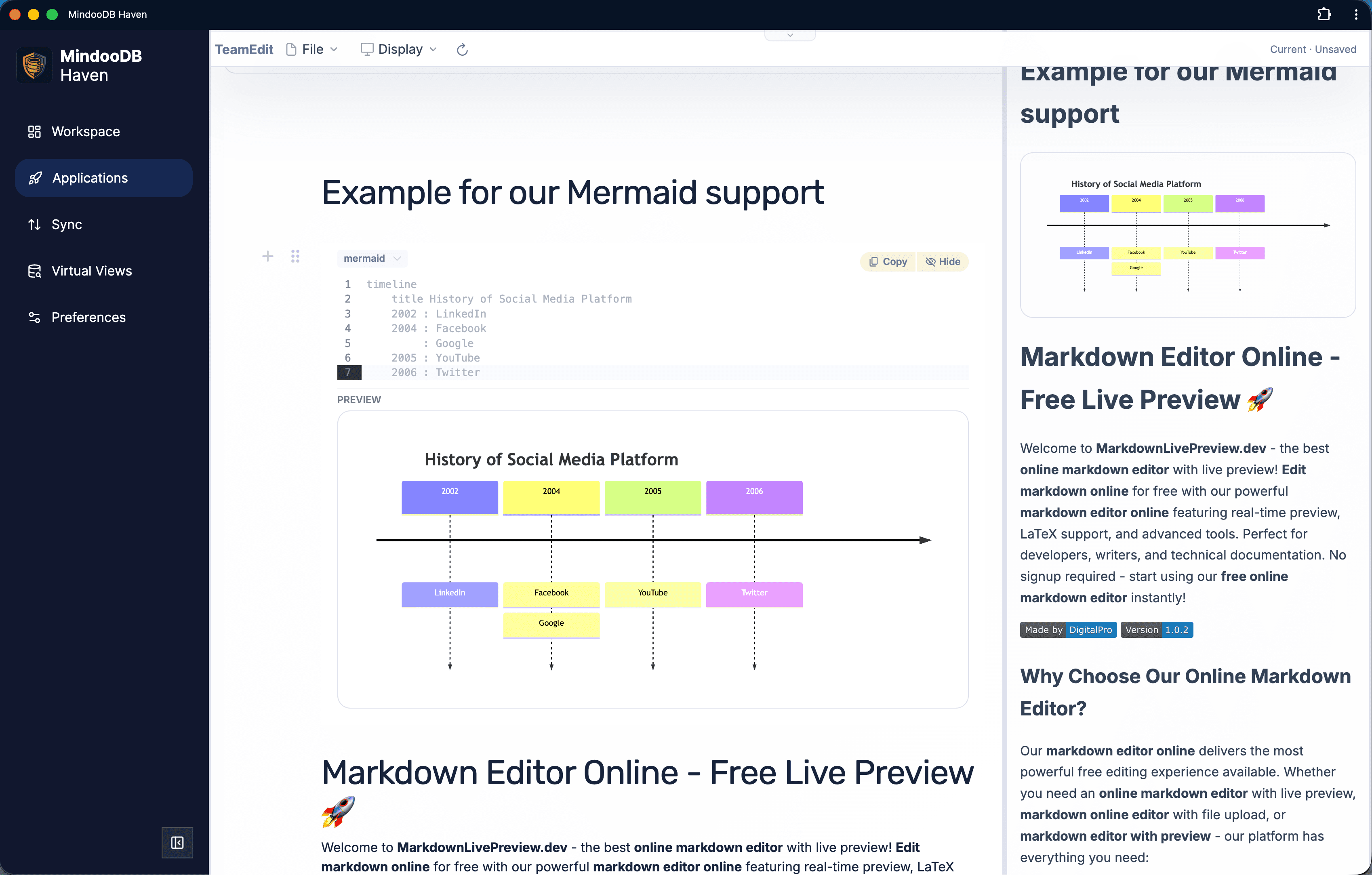
Click the workspace screenshot to inspect a much taller Haven page with notes, media, running apps, mind maps, Kanban boards, and Mermaid tiles in one real workspace.
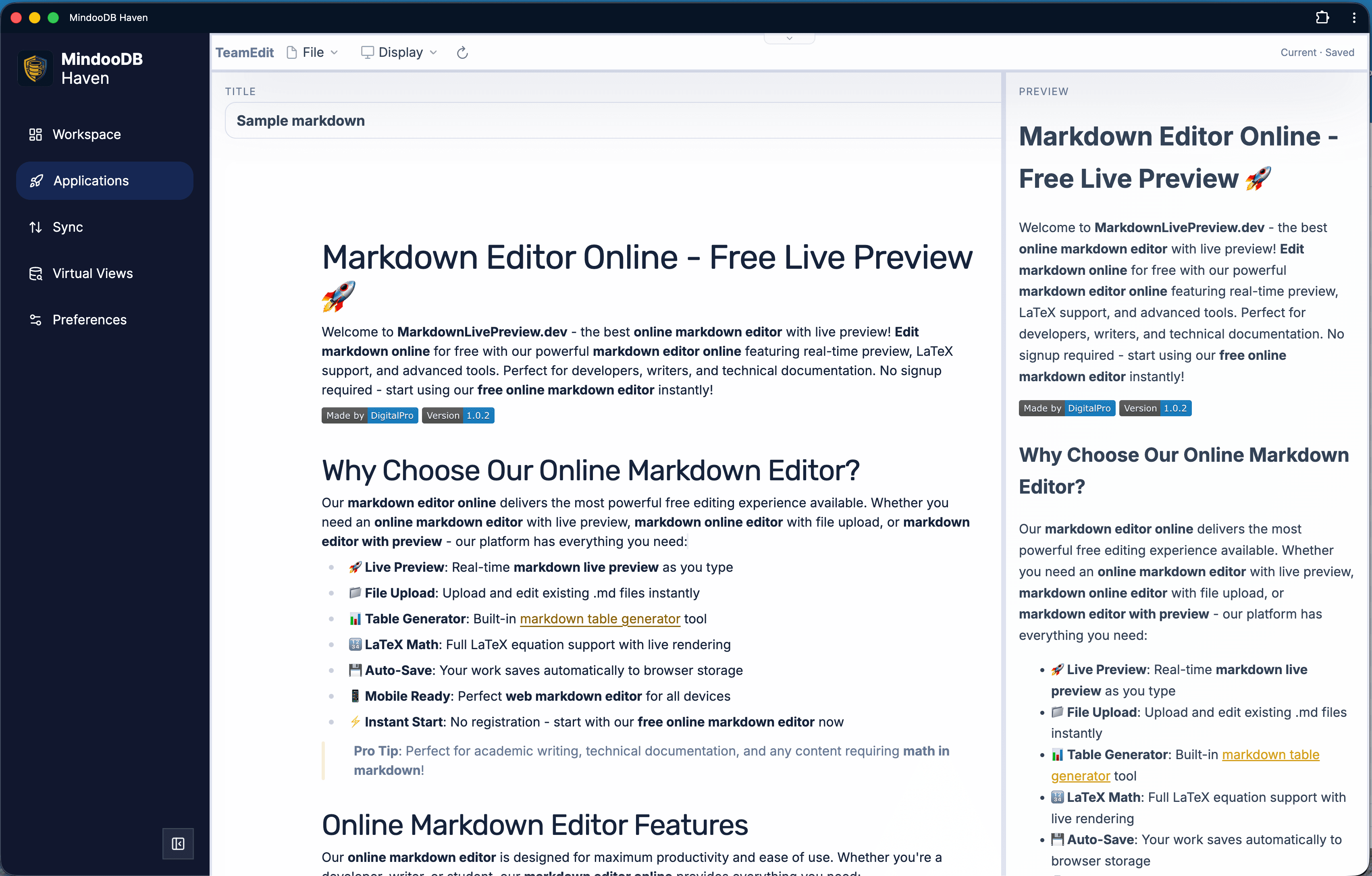
Applications can run embedded in the Haven grid or in their own tab, access selected databases and views, and ship as either externally hosted web apps or Haven-hosted bundles served offline by the service worker.
Haven inherits MindooDB's trust model. Data is encrypted on the client before it ever leaves the device, apps run in sandboxed iframes with granular permissions, and the DAG explorer makes collaboration auditable.
Haven Community works in three topologies. Choose the one that matches your workflow - you can move between them without changing clients.
Create tenants and databases entirely offline. No server, no sync - ideal for personal use, drafts, and offline demos.
Push a local tenant to the hosted demo server and invite real collaborators. Demo data is wiped periodically - it is for evaluation, not production.
Point Haven at a MindooDB server you run. See README-server.md for setup.
The Haven PWA at haven.mindoodb.com. Free to use today, full local use, optional demo server, and self-hosting against your own MindooDB server.
Custom branding, managed UI and workspaces, in-house app store, workspace roaming, automatic backup, inline attachment editing, and more - from Mindoo GmbH.
Product updates and implementation notes from the MindooDB ecosystem.
12.09.2026
First an emulated x86_64 VM on an iPhone, then an Orange Pi Zero 3W with eight cores and 6 GB of RAM. This time the host is the box that was already in the room doing another job: a GL.iNet Flint 2 AX6000 Wi-Fi router - four ARM64 cores, 1 GB of RAM, 8 GB of eMMC and OpenWrt. It was the bumpiest setup of the three, and both potholes were OpenWrt's: Docker's bridge DNS could not resolve the npm registry during the build, and nftables would not hairpin the published port afterwards. Both are now handled by serversetup.sh itself. After that the server minted its identity in 1661 milliseconds, and Haven pushed a Teacher's Desk tenant to the thing that hands out our Wi-Fi.
10.09.2026
Last month I ran a MindooDB server inside an emulated x86_64 VM on an iPhone: 75 minutes for the Docker build, 102 seconds for one identity. The hardware actually meant for the job has now arrived - an Orange Pi Zero 3W, 65 x 32 mm, 14 grams, eight ARM64 cores and 6 GB of RAM, $85 from Amazon and ten days lost somewhere between Dallas and Cologne. Same repository, same serversetup.sh, no changes for ARM64: the Docker build took 137.6 seconds and the server identity 649 milliseconds. Then Haven pushed a Teacher's Desk tenant to it over Wi-Fi and synced several thousand encrypted entries to a board that fits in a shirt pocket.
08.09.2026
Vega used to be a mind map with a Kanban board attached. It now carries a Gantt chart you can drag dates around in, a full Excel-compatible spreadsheet - the TeamGrid engine, 280 formulas, column, bar, line and pie charts - that mirrors your project nodes into cells and writes your edits back to them, and an XLSX export anyone can open. MindooDB's time travel turns into project reporting: open the plan as it stood at the kickoff, or put two dates side by side in a comparison spreadsheet where XLOOKUP has already paired the old and the new rows and the delta columns are written for you. Plus poster printing across any number of sheets with glue strips, links between nodes across maps and tenants, a dockable properties sidebar with Markdown and Mermaid, a node icon library, and better layouting. There is a new site for all of it at mindoo-vega.com.